GitHub Pages in 2026 - A Fresh Look at My Blog
I hadn’t really thought much about my blog in quite a while.
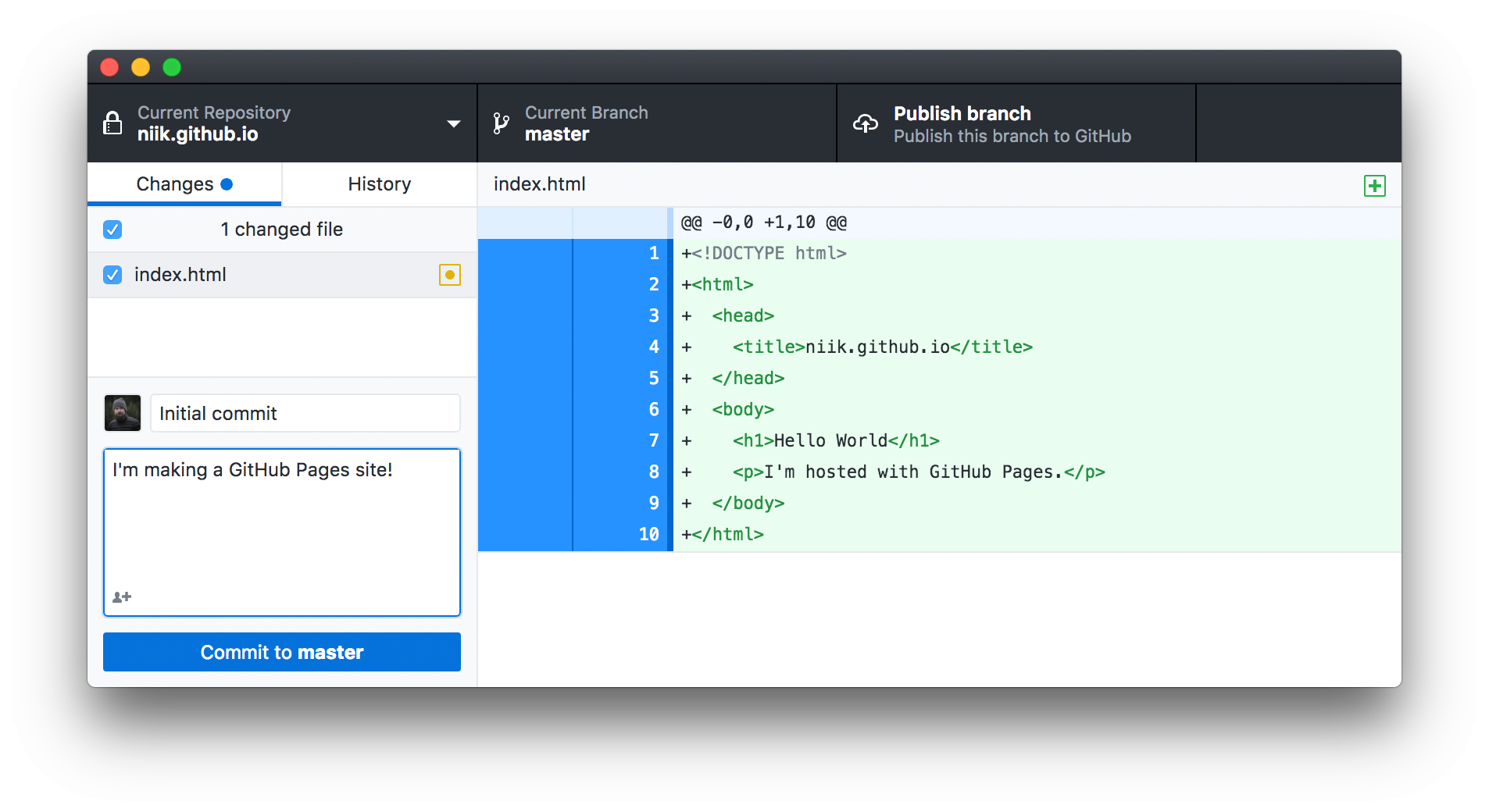
It sat on GitHub Pages quietly doing exactly what I wanted it to do. Every now and then I’d write a new post, commit my changes, push them to GitHub, and a minute later everything would be live.
It was simple.
It was free.
Most importantly, it never gave me a reason to think about hosting.
Recently I decided it was time to clean things up a bit. Some of my older posts needed updating, my screenshots were oversized, and I wanted to see whether GitHub Pages was still the best place to host a personal website.
After spending a weekend researching what had changed over the last few years, I came away impressed.
GitHub Pages hasn’t tried to become an all-in-one web hosting platform. Instead, it’s quietly improved in all the right ways while keeping the simplicity that made it popular in the first place.
The State of GitHub Pages
There’s no shortage of places to host a website these days.
Cloudflare Pages.
Netlify.
Vercel.
AWS.
Azure.
DigitalOcean.
Every few months there’s another platform promising to be faster or easier than everything else.
For a personal blog though, I kept asking myself a simple question:
What problem am I actually trying to solve?
For my site I don’t need:
- A database
- User authentication
- APIs
- Server-side rendering
- Containers
- Background workers
I just want somewhere to publish Markdown.
GitHub Pages still excels at exactly that.
Some of the biggest advantages are:
- Completely free
- HTTPS by default
- Custom domains
- Fast global CDN
- Automatic deployments
- Integrated with Git
- Excellent uptime
Sometimes boring technology is the best technology.
The Biggest Change: GitHub Actions
The biggest thing I discovered during my research wasn’t GitHub Pages itself.
It was how GitHub now expects you to deploy your site.
When I originally created this blog, GitHub built Jekyll sites automatically.
You pushed your Markdown files.
GitHub handled everything else.
That still works for simple sites, but it comes with a number of limitations.
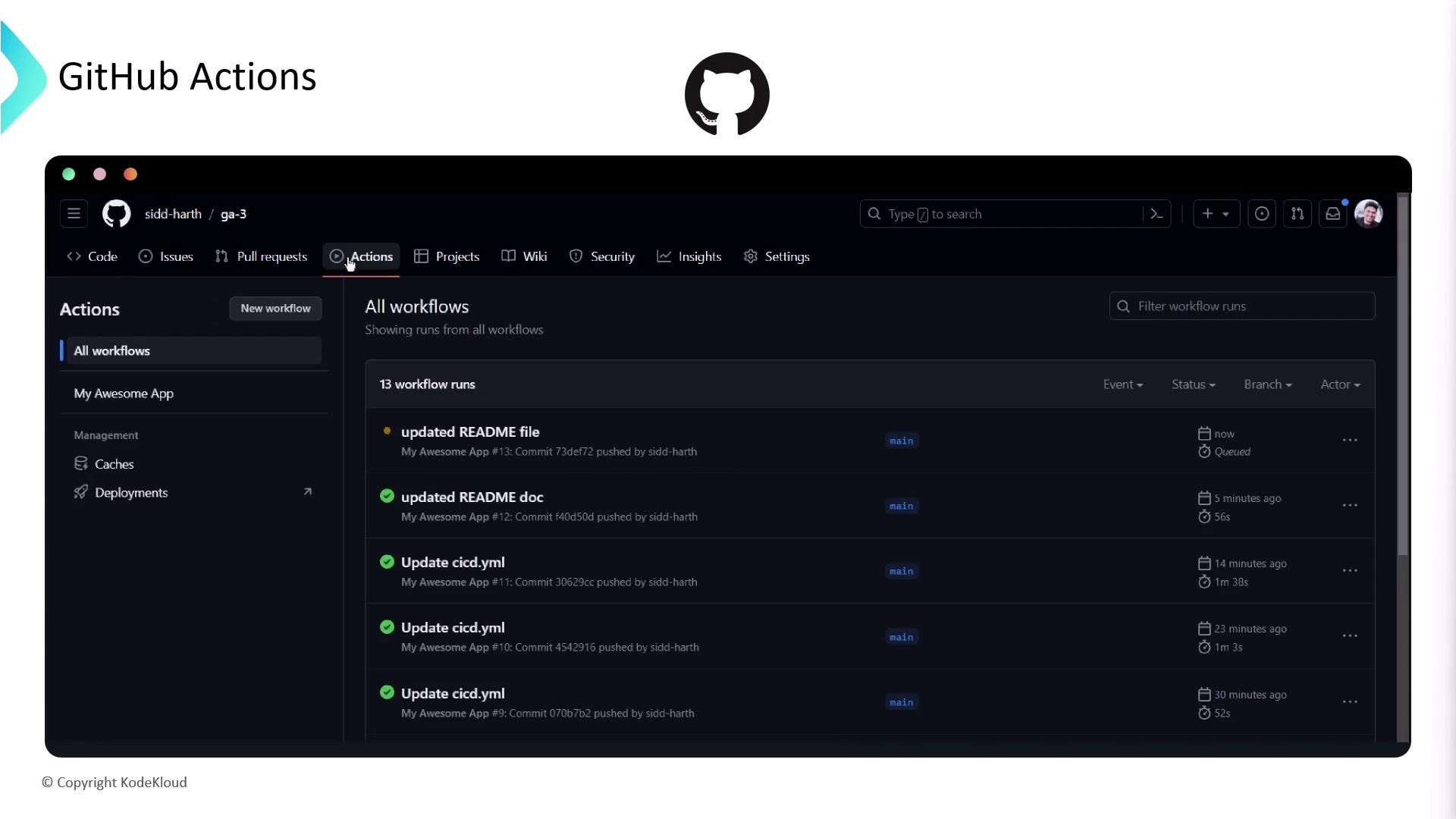
The modern approach is using GitHub Actions.
At first I assumed this was just another layer of unnecessary complexity.
After looking into it, I realized it’s actually a huge improvement.
Instead of GitHub deciding how to build my site, my repository now contains the build instructions.
That means I control:
- Ruby version
- Jekyll version
- Installed plugins
- Build process
- Deployment
Everything becomes reproducible.
If I clone my repository onto another computer, I know exactly how the site will be built.
Why That’s Actually Better
One complaint people had about GitHub Pages for years was the limited list of supported plugins.
GitHub only allowed a small collection of officially supported Jekyll plugins.
That limitation effectively disappears once you’re building through GitHub Actions.
Now I can use whatever plugins I want during the build process because GitHub Pages is only responsible for serving the generated HTML afterwards.
It sounds like a small change, but it opens up a lot of possibilities.
Jekyll Still Holds Up
Every few months someone declares Jekyll dead.
Then another static site generator becomes the newest trend.
I’ve looked at Hugo.
I’ve looked at Astro.
I’ve looked at Eleventy.
They’re all excellent tools.
For my blog though, I honestly don’t see a compelling reason to migrate.
Jekyll still gives me everything I need.
- Markdown content
- Simple layouts
- Liquid templates
- Collections
- Static output
The site builds quickly, it’s easy to maintain, and I don’t spend my weekends debugging build systems.
That’s worth a lot.
Cleaning Up My Blog
While I was modernizing things, I noticed one problem that had bothered me for years.
My screenshots.
Older posts contained screenshots that were far too large for mobile devices.
Originally I resized every image manually before uploading it.
These days there’s a much easier solution.
A little bit of CSS.
.post-content img {
    max-width: 100%;
    height: auto;
    display: block;
    margin: 1.5rem auto;
}
That’s it.
Now every image automatically scales to fit the available width while maintaining the correct aspect ratio.
No more manually resizing screenshots.
No more broken layouts on mobile.
Sometimes the simplest solutions really are the best ones.
A Few Plugins Worth Installing
If I were creating a new Jekyll blog today, there are a few plugins I’d install immediately.
jekyll-feed
Automatically generates an RSS feed for readers.
jekyll-sitemap
Creates a sitemap that search engines can crawl.
jekyll-seo-tag
Adds proper meta tags, Open Graph data, and structured information without much effort.
Those three plugins cover most of what a personal blog needs.
Performance Is Still Excellent
One thing static websites have going for them is speed.
There isn’t much that can go wrong.
No database.
No application server.
No PHP updates.
No backend framework.
Every page is just HTML, CSS, JavaScript, and images served from a CDN.
GitHub Pages remains incredibly fast because there’s very little happening behind the scenes.
My Current Workflow
These days publishing a post is almost effortless.
1. Write everything in Markdown.
2. Test locally.
3. Commit the changes.
4. Push to GitHub.
5. GitHub Actions builds the site.
6. GitHub Pages deploys it.
That’s my entire publishing pipeline.
No FTP.
No SSH.
No manually uploading files.
No logging into a server.
Everything is version controlled.
Everything is automated.
Things I’d Recommend Today
If you’re starting a GitHub Pages site in 2026, these are the things I’d recommend from day one.
- Use GitHub Actions for deployment.
- Keep all images under `assets/img`.
- Make images responsive with CSS.
- Install the SEO plugins.
- Enable a custom domain if you own one.
- Compress screenshots before uploading them.
- Test the site locally before pushing changes.
- Keep everything under version control.
None of these are difficult, but together they make maintaining a blog much easier.
Is GitHub Pages Still Worth It?
After spending time researching the current state of GitHub Pages, I don’t see myself moving away from it anytime soon.
Yes, there are newer platforms.
Some offer serverless functions.
Some offer edge computing.
Some offer integrated databases.
Those are fantastic features if you need them.
For a personal blog, though, I don’t.
GitHub Pages continues to do exactly what I need it to do.
It’s fast.
It’s reliable.
It’s free.
Thanks to GitHub Actions, it’s also much more flexible than it used to be.
Sometimes it’s easy to get caught up chasing the newest technology simply because everyone else is talking about it.
This weekend reminded me that the best tool isn’t always the newest one.
Sometimes it’s the one that’s quietly worked for years without demanding your attention.
For me, GitHub Pages is still that tool.